

The best AI tools for coding 2026 are no longer just autocomplete engines. They can explain unfamiliar code, generate tests, review pull requests, refactor functions, build prototypes, and in some cases act as coding agents that work across a repository. The right choice depends less on brand loyalty and more on where you write code, how much context you need, and how much control your team requires.
There is no single winner for every developer. ChatGPT, Gemini, Claude, GitHub Copilot, Cursor, and other tools each fit a different workflow. The smartest approach is to match the tool to the job instead of expecting one assistant to handle everything perfectly.
The other major change is expectation. In 2023, many developers used AI mostly for snippets. In 2026, teams are asking whether an assistant can understand architecture, follow project conventions, run checks, and explain tradeoffs. That raises the bar for evaluation.
Best AI tools for coding 2026: how to compare them
Start with context. A coding assistant is only as useful as the code it can see and understand. Some tools are strongest inside an IDE. Others are better for architectural planning, debugging explanations, or agentic work across files.
Second, look at workflow fit. If your team already lives in GitHub and Visual Studio Code, GitHub Copilot may feel natural. If you want a chat-first assistant that can reason through technical tradeoffs, ChatGPT or Claude may be stronger. If you want a code editor built around AI interactions, Cursor is a serious option.
Third, consider governance. Businesses need privacy controls, admin features, model choices, auditability, and predictable billing. A tool that works beautifully for one developer may be harder to approve inside a larger company.
ChatGPT and Codex
ChatGPT is useful for coding because it can move between explanation, planning, debugging, and implementation help. OpenAI’s Codex direction also points toward more agentic software engineering, where the assistant can inspect a codebase, make changes, run checks, and report back.
The strength is flexibility. ChatGPT can help a beginner understand an error, help a senior engineer sketch a migration plan, or help a team draft tests and documentation. It is especially good when the task needs reasoning before code.
The limitation is that results depend heavily on context. If the assistant does not have the right files, logs, or constraints, it can produce plausible but wrong code. Developers still need to review, test, and keep ownership of the final change.
ChatGPT is also useful outside the editor. It can help write migration plans, explain API changes, produce release notes, draft SQL queries, or turn a messy bug report into a structured debugging checklist. Those surrounding tasks are a real part of software work.
GitHub Copilot
GitHub Copilot remains one of the most mainstream choices because it is close to where many developers already work. GitHub describes Copilot as an AI coding assistant that can provide suggestions, chat, and help across development tasks.
Copilot is strong for inline assistance, repetitive code, test scaffolding, and quick explanations inside supported editors. It also benefits from GitHub integration, which matters for teams that manage code, reviews, and issues there.
The tradeoff is that Copilot may not always be the best standalone reasoning partner. It shines when the developer is already steering the work inside the editor.
For organizations, Copilot’s advantage is familiarity. Many engineering teams already use GitHub, so procurement, onboarding, and policy discussions can be easier than introducing a completely separate coding environment.
Claude Code
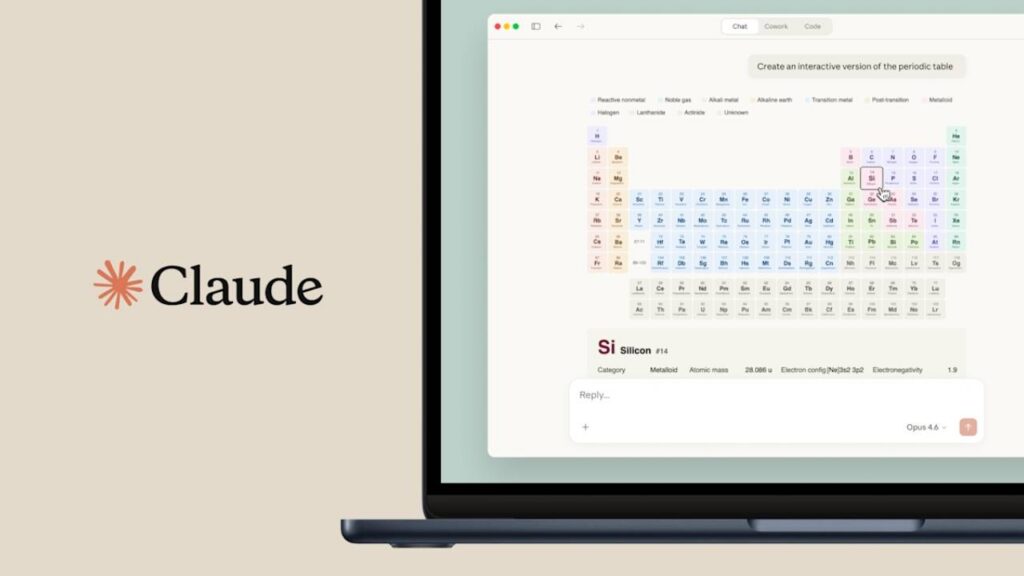
Claude Code is aimed at developers who want an assistant that can work from the command line and understand larger engineering tasks. Anthropic’s Claude Code documentation positions it as an agentic coding tool that can help with codebase work, debugging, and automation.
Claude is often valued for careful explanations and long-context reasoning. That can make it useful for refactors, code review, and understanding unfamiliar repositories.
As with any agentic tool, teams need guardrails. Running commands, editing files, and making multi-file changes can save time, but developers should verify diffs and tests before merging.
Gemini Code Assist and Cursor
Google’s Gemini Code Assist is a strong candidate for teams already invested in Google Cloud or Google developer tools. Its appeal is not only code generation, but also enterprise integration and support for modern development environments.
Cursor, meanwhile, is an AI-native code editor. The official Cursor product focuses on chat with your codebase, code generation, and fast edits inside an editor designed around AI from the start. It can be attractive for individuals and small teams that want the assistant deeply embedded in the writing experience.
Which tool should you choose?
For everyday editor help, start with GitHub Copilot or Cursor. For broader reasoning, debugging, and technical writing, ChatGPT and Claude are strong. For Google-oriented teams, Gemini Code Assist deserves a close look. For agentic repo work, compare Codex-style workflows and Claude Code carefully with your security requirements.
The best AI tools for coding setup in 2026 may be a combination: one assistant in the editor, one for architectural reasoning, and clear team rules for what AI-generated code must pass before it ships.
Teams should test these tools on real internal tasks before standardizing. A small benchmark set with bug fixes, tests, documentation updates, and refactors will reveal more than a polished demo. The winner is the assistant that improves throughput without lowering code quality.
You can follow more developments in Technowatt’s Artificial Intelligence coverage.